

Latest Videos
Our latest Profile Builder tutorials are posted to our YouTube channel. Make sure you like our videos and subscribe so that you won’t miss these invaluable tips and tricks!
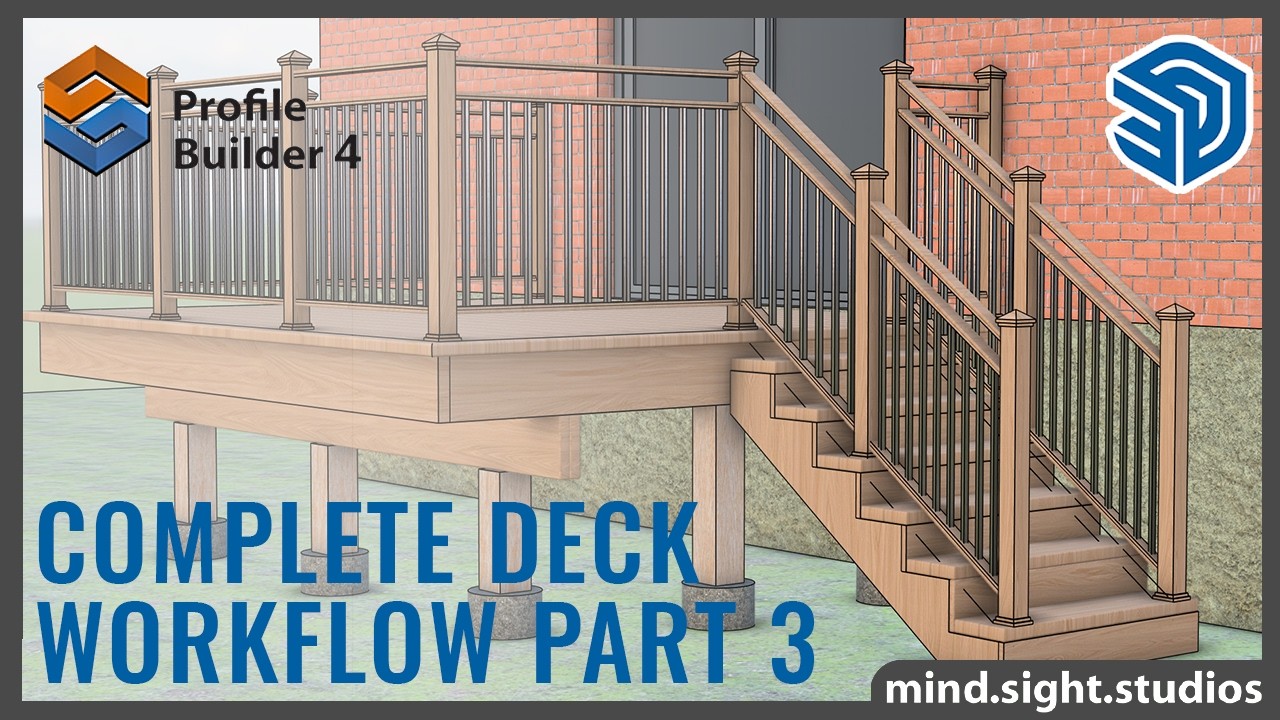
How to Build a Deck in SketchUp Part 3 | Stair Railing and Final Details
If you ...haven't watched Parts 1 and 2, I recommend checking those out first. Let's finish the deck!
In this Video:
0:00 – Introduction
0:23 – Recap: Parts 1 & 2
0:38 – Refining the Railing Profiles
1:19 – Adjusting the Balusters
2:28 – Creating a Railing Sub-Assembly
4:15 – Building the Second Railing Assembly
5:51 – Adding Materials & Finishing Touches
6:30 – Final Result
Other Video in The Series
How to Build a Deck in SketchUp Part 1 | Layout, Foundation, Framing
https://youtu.be/m9jdghyDdnI
How to Build a Deck in SketchUp Part 2 | Decking Details, Stairs, and Railing
https://youtu.be/gBjMLUkP4cI
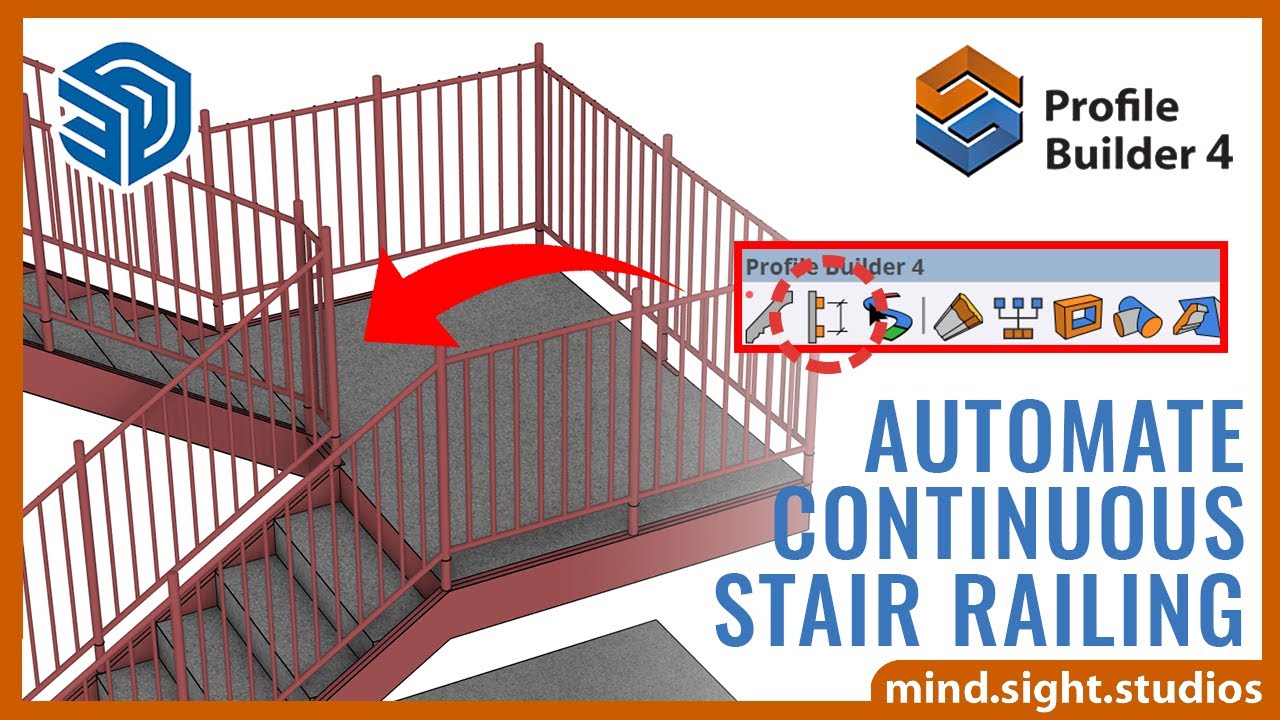
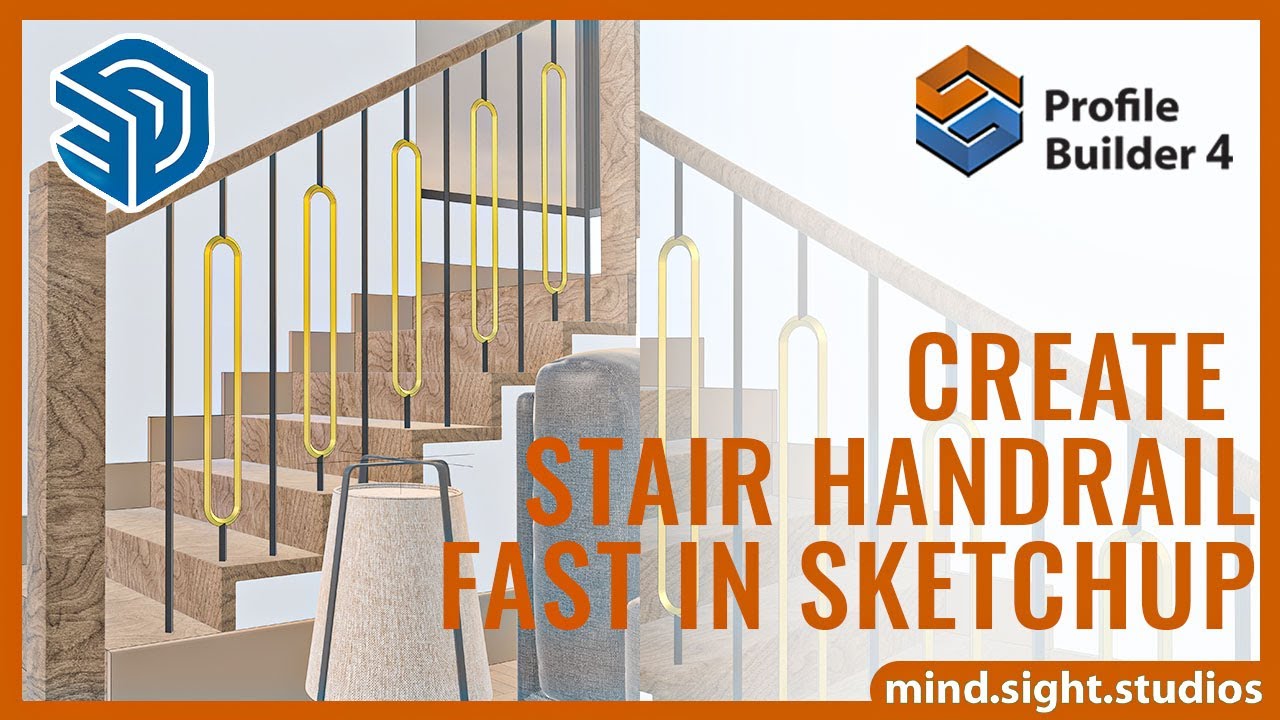
Automate Continuous Stair Railing With Profile Builder 4 and SketchUp
https://youtu.be/NGUXlZ5FhLk
Continuous Railing Video Tutorial:
Get the Extensions Featured in This Video:
Profile Builder 4: https://profilebuilder4sketchup.com/?utm_source=youtube&utm_medium=pb-link&utm_campaign=youtube
Learn More:
For more information and to explore our SketchUp plugins, visit our website:
https://mindsightstudios.com/?utm_source=youtube&utm_medium=mss-link&utm_campaign=youtube
Stay Connected:
Subscribe to our channel for more SketchUp tips and tutorials: https://www.youtube.com/@mind.sight.studios?sub_confirmation=1
Follow us on Facebook for the latest updates: https://www.facebook.com/mindsightstudios/
Engage With Us:
Have questions or suggestions? Drop a comment below! We’d love to hear from you and help you out.
Support:
Need help? Visit our support page: https://support.mindsightstudios.comShow More




Official Training Course
The official training course is the best way to learn everything about Profile Builder. It contains over 2 hours of in-depth easy-to-follow content across multiple videos and written articles. Here is a sample video from the course. To access the entire course, click the button below the video.
Note that most of the course was created using Profile Builder version 3 but nearly all of the content is still applicable to version 4.
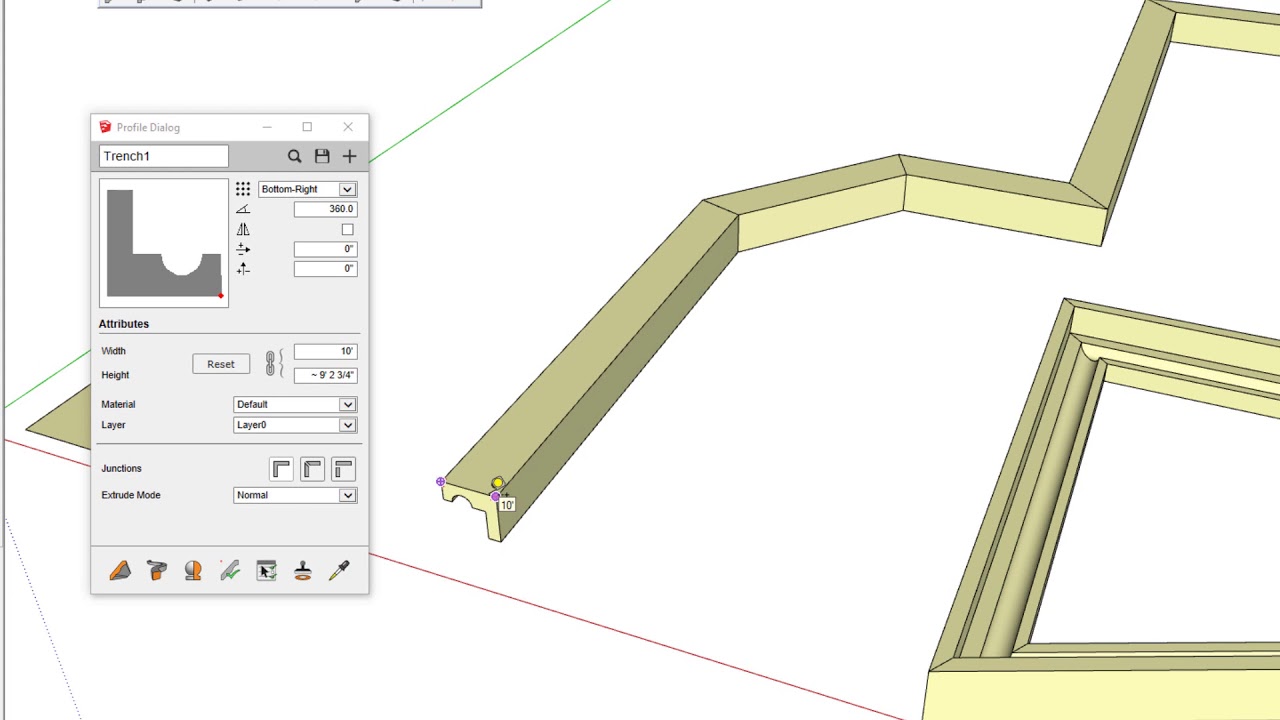
Tutorial 02: Introduction to Profiles and Profile Members
In this video, we demonstrate the basics of how to use Profiles and Assemblies.
Profile Builder is a fast ...and flexible set of parametric and BIM modeling tools for SketchUp. It has become an ESSENTIAL SketchUp extension for thousands of users world-wide.
By using Profile Builder, we guarantee that you will be able to model faster than ever before.
Get a free 30-day trial of Profile Builder:
https://profilebuilder4sketchup.com/get-trial-license/?utm_source=youtube&utm_medium=pb-link&utm_campaign=pb3-course&utm_content=get-trial
For more in-depth Profile Builder tutorials and user guides, please visit our Help Desk at:
https://support.mindsightstudios.com/hc/en-us/categories/360001302733-Profile-Builder?utm_source=youtube&utm_medium=hc-link&utm_campaign=pb3-course
Want the best SketchUp plugins? Find them at mind.sight.studios:
https://mindsightstudios.com/?utm_source=youtube&utm_medium=mss-link&utm_campaign=pb3-courseShow More





Tutorials Archive
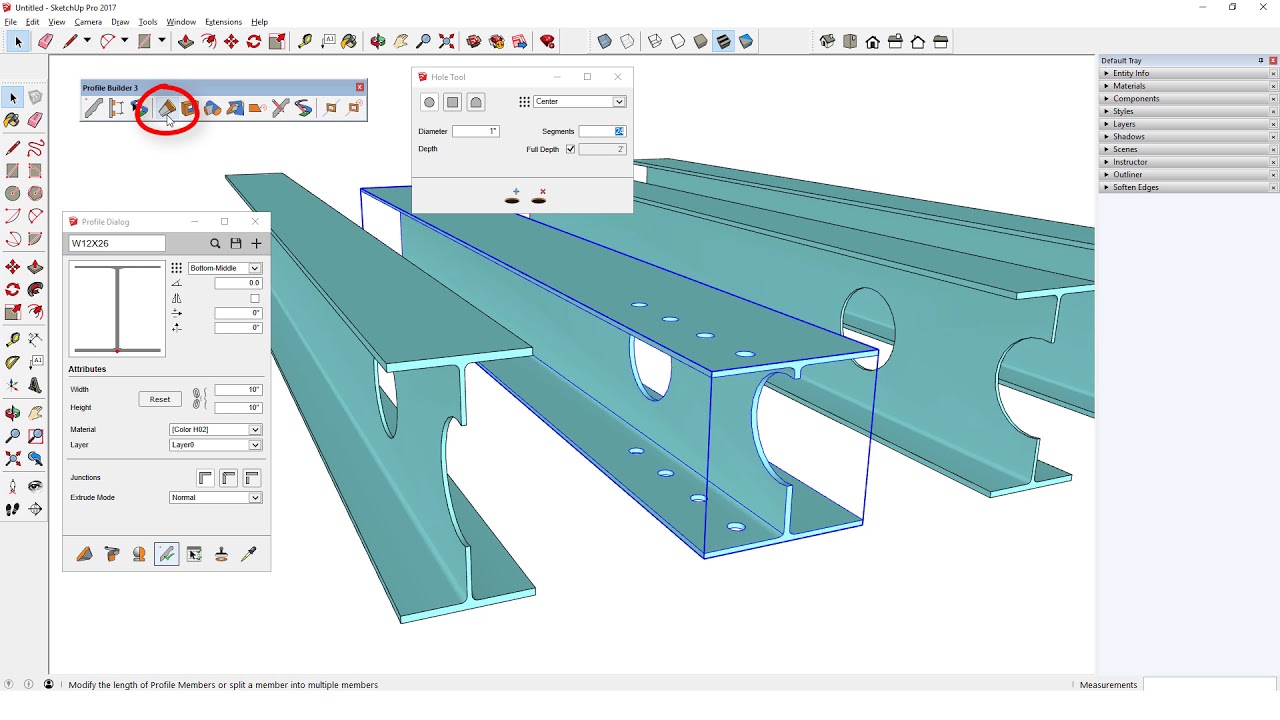
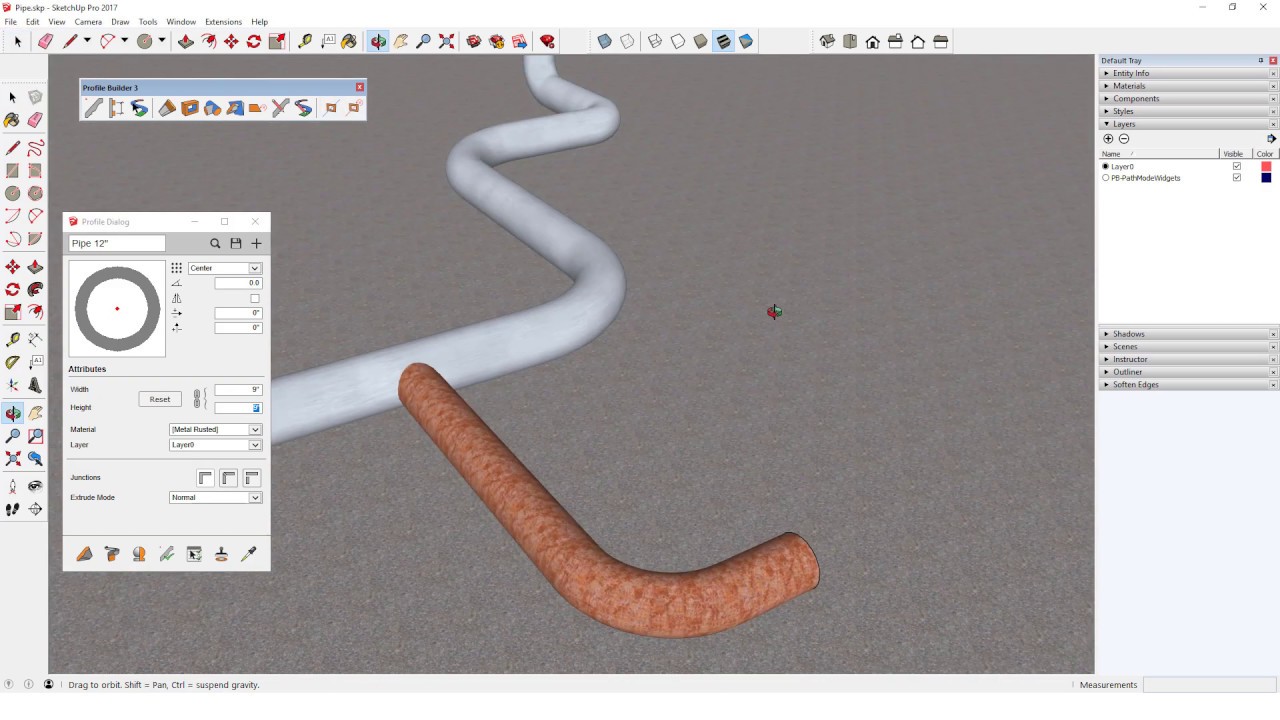
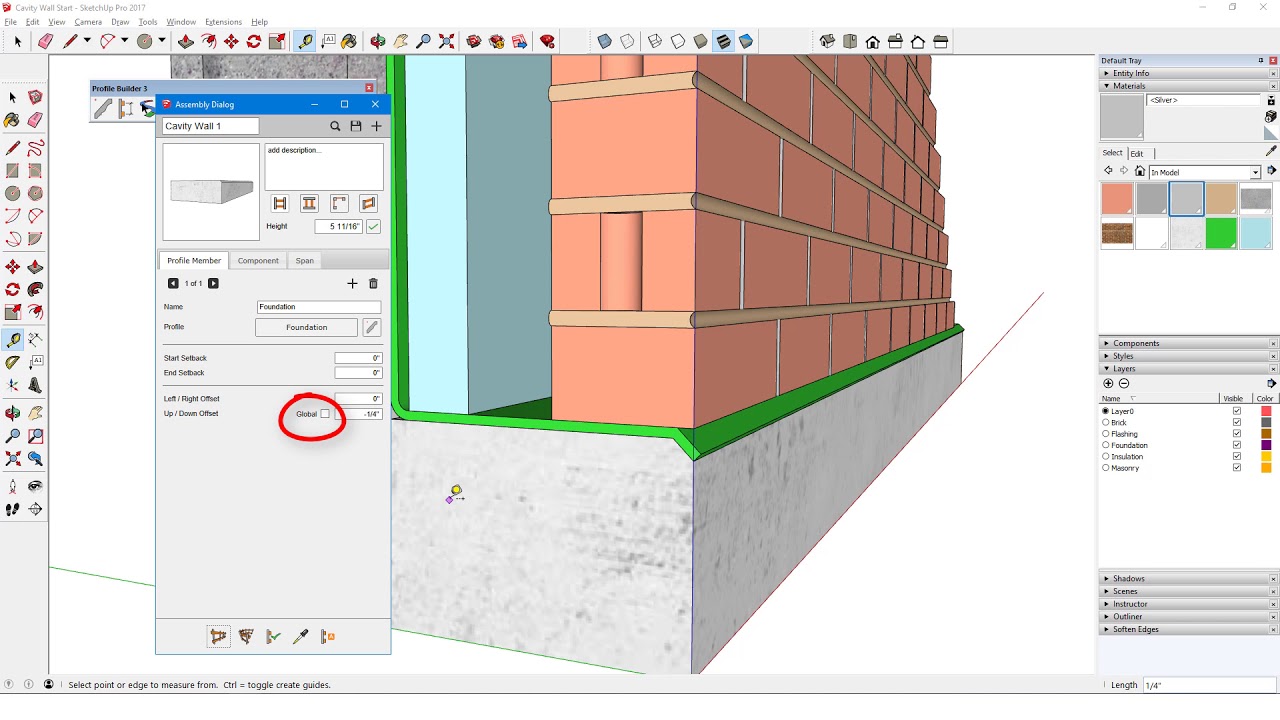
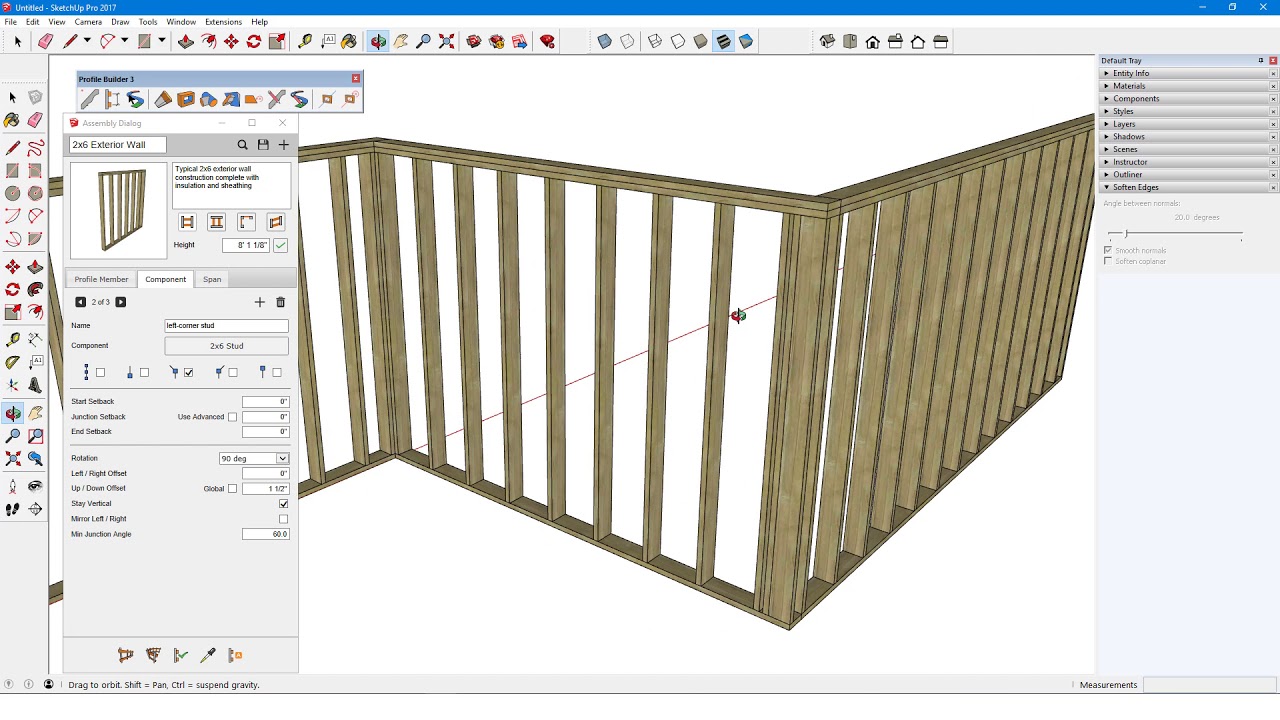
This area contains older tutorials that you may still find useful. However, if you are new to Profile Builder, we recommend that you start with the newer videos from the Video Training Course above.
User Guides, FAQs, Community Support and More…
Our Help Desk is a searchable archive of tutorials, FAQs, and helpful information for all of our products, including Profile Builder. If you have a question about Profile Builder, this is the place to go.